A Practical Start With Claude Code

- Published on

A Practical Start With Claude Code
Part of the Agent Engineering Playbook.
Most people approach Claude Code the wrong way at first. They treat it like a chat interface that happens to live in a terminal. That usually works for fifteen minutes. Then the agent starts missing conventions, forgets the shape of the project, edits too early, or burns too much time rediscovering things you already know.
Claude Code becomes much better when you stop thinking about prompting and start thinking about operating conditions.
Anthropic describes Claude Code as an agentic coding tool that lives in your terminal, can act on your files, run commands, and pull in outside tools through MCP. That framing matters. You are not just sending text to a model. You are setting up a working environment in which the model reads instructions from disk, accumulates project memory, uses tools, and updates a real codebase.
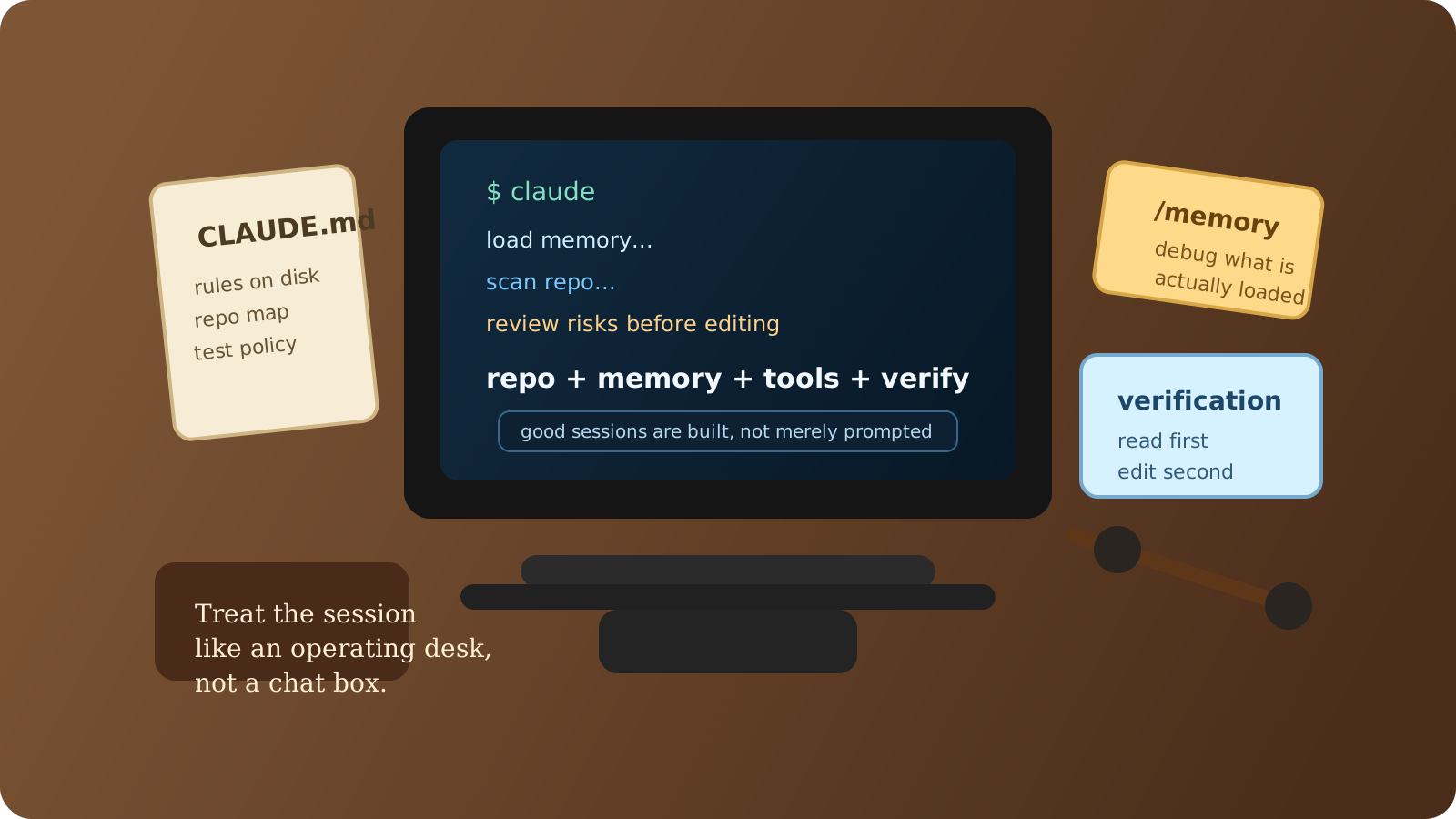
Start With the Environment, Not the Prompt
The first useful setup is small:
npm install -g @anthropic-ai/claude-code
cd your-project
claude
That gets the CLI running, but it is not enough for serious work. The real improvement comes from project memory. Claude Code loads CLAUDE.md files at session start, and Anthropic now also supports auto memory so the tool can retain learned preferences across sessions. In practice, CLAUDE.md is where you put the rules you do not want to repeat, and auto memory is where the tool records corrections you keep making.
The easiest way to bootstrap that file is /init. Anthropic's memory docs note that /init can generate a starting CLAUDE.md by exploring the repo, discovering commands and conventions, and, in the newer flow, even proposing skills and hooks. That is a good start, but you should still edit it yourself. Generated memory is scaffolding. Project judgment still has to come from you.
What Belongs in CLAUDE.md
Good project memory is specific, short, and testable. Bad project memory sounds like management advice.
This is the kind of file that actually helps:
# Project Rules

- Search with `rg` before opening large directories.
- Run focused tests related to changed files before broad test suites.
- Do not change API contracts without calling it out explicitly.
- Prefer small patches over large rewrites.
- When touching UI code, verify keyboard and screen-reader behavior.

# Repo Map

- API handlers live in `src/api/handlers/`
- Shared types live in `src/contracts/`
- End-to-end tests live in `tests/e2e/`
Anthropic's guidance is directionally right here: the more concrete the instruction, the more reliably Claude follows it. "Run pnpm test src/foo.spec.ts before committing" is useful. "Be careful and write good code" is not.
Once the file grows, split it. Claude Code supports imports with @path/to/file, and the memory docs recommend keeping CLAUDE.md under roughly 200 lines. That is not arbitrary. If your instruction file becomes a book, it stops behaving like memory and starts behaving like fog.
The Best Early Habit: Make Claude Read Before It Edits
The highest-leverage thing you can teach any coding agent is patience.
Do not start sessions with "implement this" unless the task is tiny and isolated. Start with orientation. Ask it to inspect the relevant files, summarize the architecture, identify the likely change points, and tell you what it thinks is risky. Claude Code is strongest when it is allowed to build a local model of the repo before it commits to an edit.
That changes the entire tone of the session. The agent stops acting like a fast autocomplete layer and starts acting like a junior staff engineer who is reading the room before touching production.
In real projects, I have found that a good first prompt usually has three parts. First, define the outcome. Second, tell Claude where to look. Third, ask for a plan or risk read before edits. This costs a little more up front and saves a lot of cleanup later.
Use the Session Controls Deliberately
Claude Code has a few controls that matter more than they sound.
/memory is the one I would learn first. It shows which memory files are loaded into the current session, and it is the fastest way to debug why the agent is not following instructions. If the file is not loaded, the model cannot respect it.
/config matters because settings are layered. Anthropic's settings docs support user settings in ~/.claude/settings.json, shared project settings in .claude/settings.json, and personal project-local settings in .claude/settings.local.json. That lets teams commit stable defaults while leaving room for developer-specific preferences.
/compact matters because long sessions drift. The memory docs explicitly note that CLAUDE.md survives compaction because it is re-read from disk. That means good project memory is more durable than conversational instructions. If something matters across the session boundary, it belongs on disk.
Where MCP Fits In
A lot of confusion around Claude Code comes from people trying to solve every problem with plain prompting. That works until the agent needs information that is not in the repository.
This is where MCP changes the picture. Claude Code can connect to external tools and data sources through the Model Context Protocol, which turns systems like issue trackers, docs, design tools, or internal APIs into usable capabilities inside the session. That does not mean you should wire everything in on day one. It means the tool has a clean extension point when repo context is not enough.
The important thing is sequence. First get the repo workflow right. Then add skill-like reuse. Then add external system access. Teams often do that in the wrong order and end up with a flashy agent that still cannot follow their test policy.
A First-Week Operating Rhythm
If you are adopting Claude Code seriously, the first week should look boring.
Use it to navigate the codebase, explain unfamiliar flows, draft small changes, and tighten repetitive engineering work. Build the CLAUDE.md. Split supporting guidance into imported memory files if the repo is large. Make sure the agent consistently runs the right test commands. Watch where it hesitates. Watch where it overreaches.
Only after that should you start giving it bigger tasks.
The people who get the most value from Claude Code are not always the people with the boldest prompts. They are the ones who treat it like a programmable collaborator: constrained, informed, and embedded in the real operating system of the project.
If you want the next layer after that, read Skills, Hooks, and Plugins in Claude Code. That is where repeated behavior stops living in your clipboard and starts becoming reusable capability.